#pocket casts (3)

Seite 1 von 1

Pocket Casts on the big screen

Pocket Casts, mein Podcatcher der Wahl, ist seit dieser Woche auch auf dem Apple TV verfügbar. Das ist überaus toll, weil sich damit vor allem die abon­nier­ten Video-Feeds wie iPhoneBlogs one oder Suchen aus MediathekViewWeb1 nun auch komfor­tabel auf dem Fernseher anschauen lassen ohne die rüber­airplayen zu müssen.

Speaking of Podcast-Apps und Video: Dustin Bluck, der vor zweieinhalb Jahren meine vorherige Podcast-App der Wahl Castro übernommen hat2, hat in seinem per­sön­lichen Blog Substack3 gerade einen interes­santen Artikel „Podcast Apps: A Framework for Dying Slowly with Dignity“ veröffentlicht, in dem er auf all die Probleme eingeht, die mittlerweile im Podcast-App-Ökosystem bestehen.

In den Lösungen, die er darin sucht und beschreibt, hält er unter anderem fest, dass Video-Podcasts durch Podcast-Apps besser unterstützt werden sollten („Video podcasts should be embraced yesterday.“), was Pocket Casts hiermit nun weiter ausbaut. Klar, Video-Podcasts leben aktuell auf YouTube, aber nachdem wir schon Vimeo haben sterben sehen, sollte man sich als Video-Creator ggf. auch einen zweiten, unabhängigen Verbreitungsweg suchen. Und da sind Podcasts das natürliche Mittel der Wahl.

  1. Ich habe z.B. ttt hierüber abonniert. Das „vom“ ist in diesem Query wichtig, damit nur vollständige ttt-Sendungen und nicht einzelne Clips gefunden werden. []
  2. Castro, das ich wegen seiner hervorragenden Queue-Funktion damals sehr mochte und jahrelang nutze, war vor der Übernahme leider etwas verwaist worden, so dass ich schließlich zu Pocket Casts gewechselt bin. Seitdem er die App übernommen hat, wird sie wieder aktiv weiterentwickelt. []
  3. Ihr wisst ja Bescheid. []
Enjoy Podcasts on Your TV with Pocket Casts: Seamless Listening | OpenGraph Preview Image
blog.pocketcasts.com

Enjoy Podcasts on Your TV with Pocket Casts: Seamless Listening

Experience seamless podcast listening with Pocket Casts on Apple TV. Enjoy your favorite shows from phone to screen, anytime, anywhere!

iOS 18 Dark Mode Icons for Pocket Casts and Reeder Classic

Last year when I switched to Pocket Casts for all my (cross-platform) podcast needs, I released a purple version of the official app icon, because, well, thanks to Apple Podcasts my brain is hardwired to think of podcasts as purple.

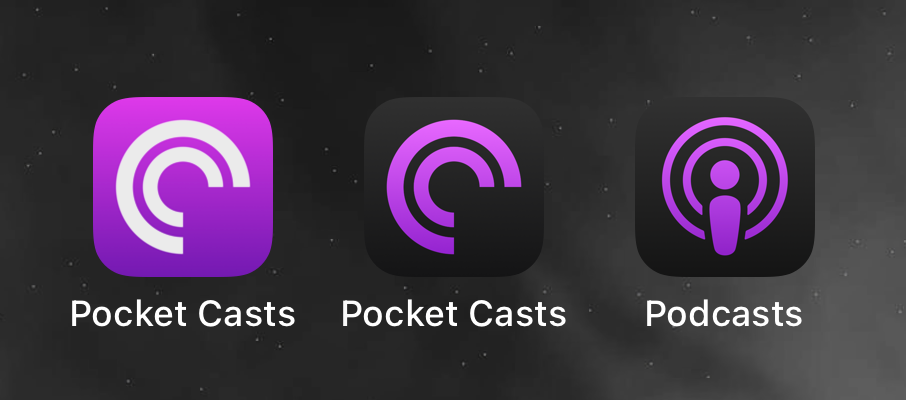
The image displays three app icons: two for “Pocket Casts” in purple and black themes, and one for “Podcasts” with a purple circular design.

When iOS 18 came out on Monday with support for alternative dark app icons, I quickly realized that my purple Pocket Casts icon wasn’t really working there. So I went back to the Apple Podcasts app, which now only shows a purple icon on a dark gradient for dark mode. And so I updated my icon with the same style – here’s my purple Pocket Casts icon for dark mode.

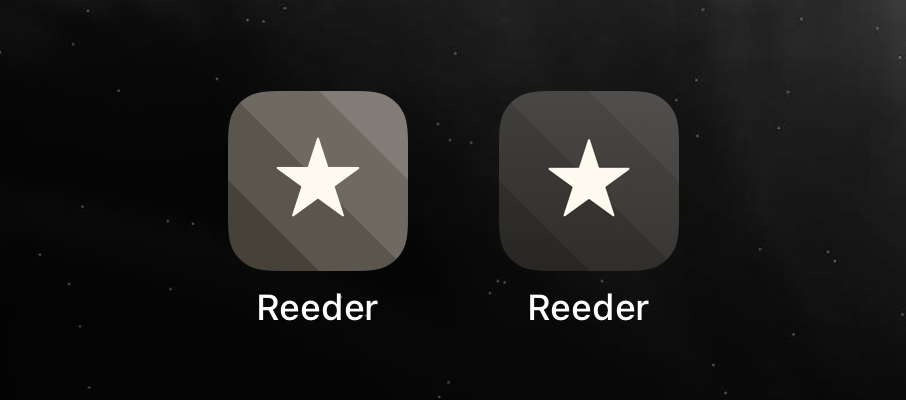
The image shows two app icons for “Reeder”, both featuring a star on a dark, striped background, but with slightly different shades.

And while I was creating the icon, I noticed that the alternative „Reeder 4“ icon, that I have always used as the icon for Reeder 5 (now „Reeder Classic“), didn’t quite match the dark mode either. So I just changed it, here is the slightly darker Reeder 4 icon.

Purple app icon for Pocket Casts

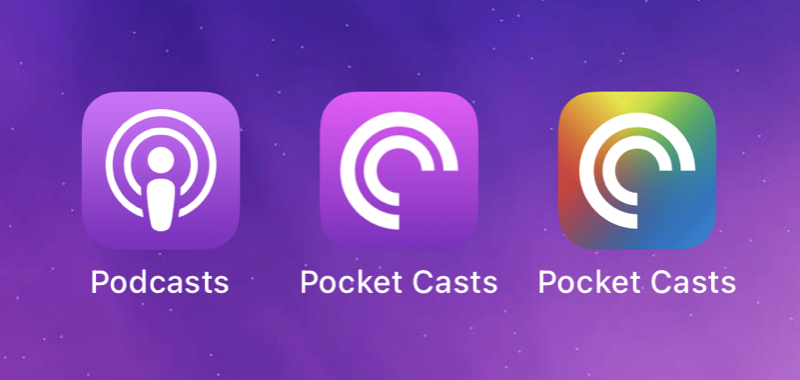
Three podcast app icons

A few months ago I switched to Pocket Casts for all my (cross-platform) podcast needs. I couldn’t be happier with the app, but there’s one thing: Podcasts have to be purple1 and so does my podcast client’s app icon. And while there’s a great variety of app icon designs within Pocket Casts already2, there’s no Apple-Podcasts-like, purple one.

Until now! Here’s my purple app icon for Pocket Casts.

Update, 18.09.2024: I’ve just released a dark purple version for iOS 18’s dark mode.

  1. Thank you, Apple. []
  2. For example, I really like the colorful one for the current Pride month. []